Decision Context
The structural risk here is one early-stage SaaS products regularly underestimate: public references become permanent.
A QR code on a flyer, business card, package or campaign asset cannot be swapped like a link inside a website. Get the page model wrong and the product either breaks existing references or demands a rebuild the moment new use cases show up.
The platform needed to avoid three common mistakes:
- coupling a QR code directly to one fixed version of the content
- treating public pages as static files instead of managed product entities
- enforcing subscription limits in the UI only, instead of across backend and public rendering
Every page had to become a stable digital object: one permanent public reference, editable content behind it, controlled publishing rules, and plan-aware feature access.
What we built
01 · Dynamic page builder
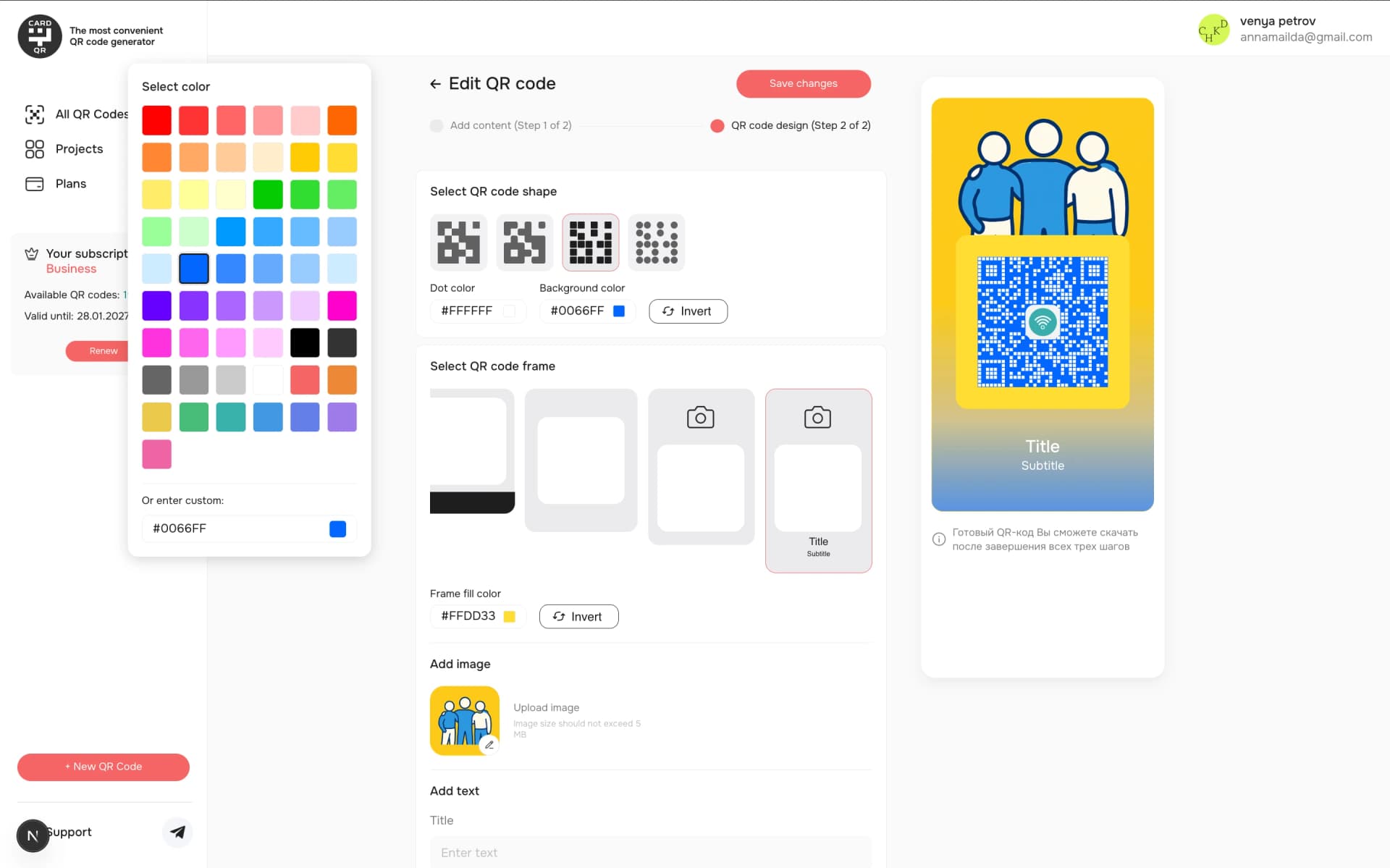
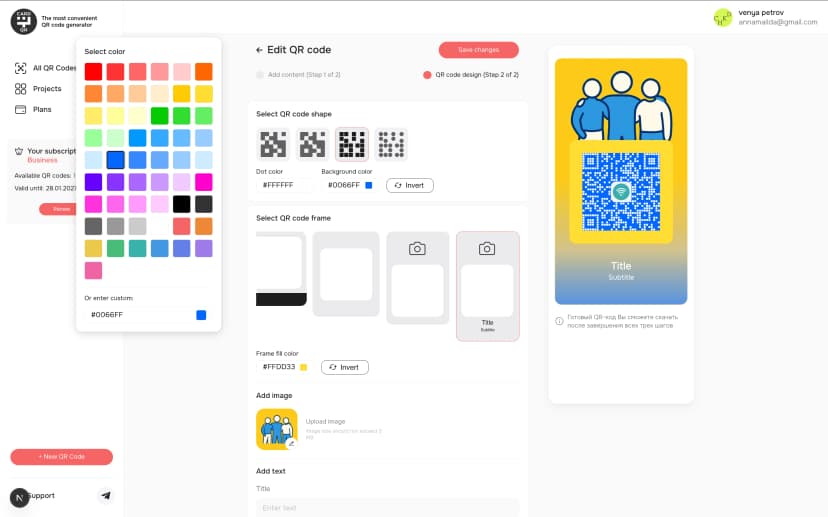
A modular editor for QR-linked public pages: users compose them from reusable sections — text blocks, links, contact information, structured content areas, campaign modules. New page types and modules can be added later without ever touching the core public-URL model.
02 · QR code generation
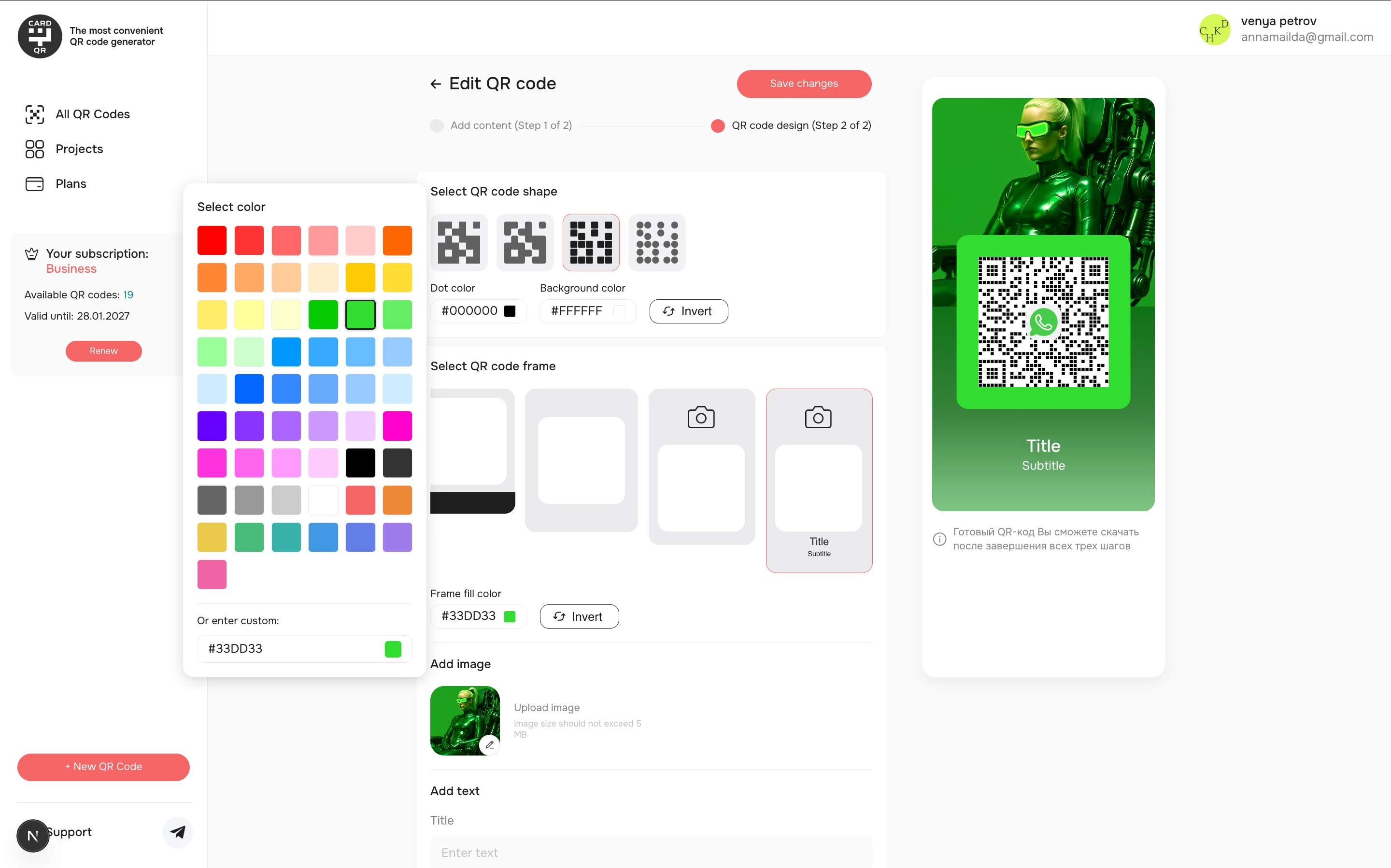
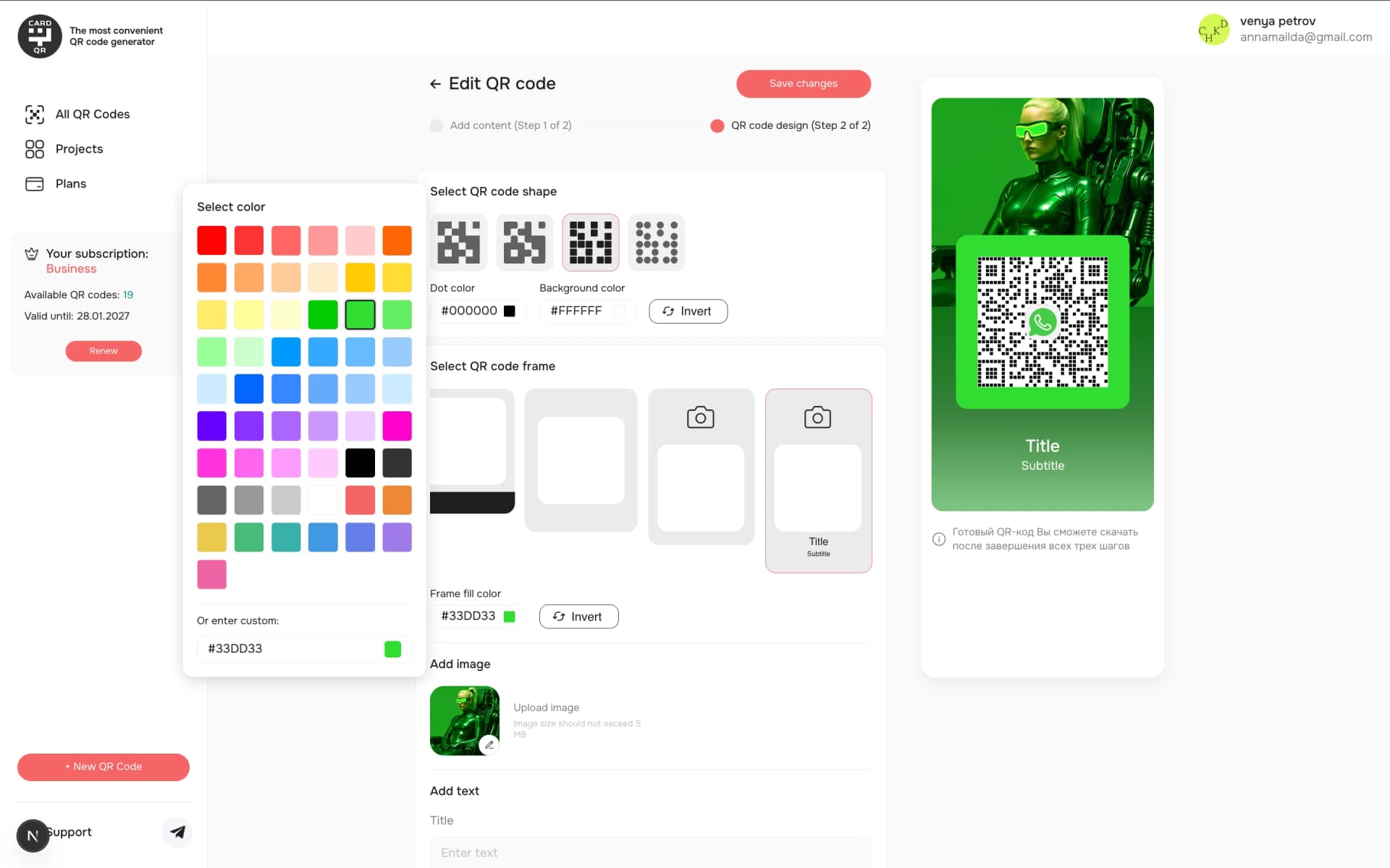
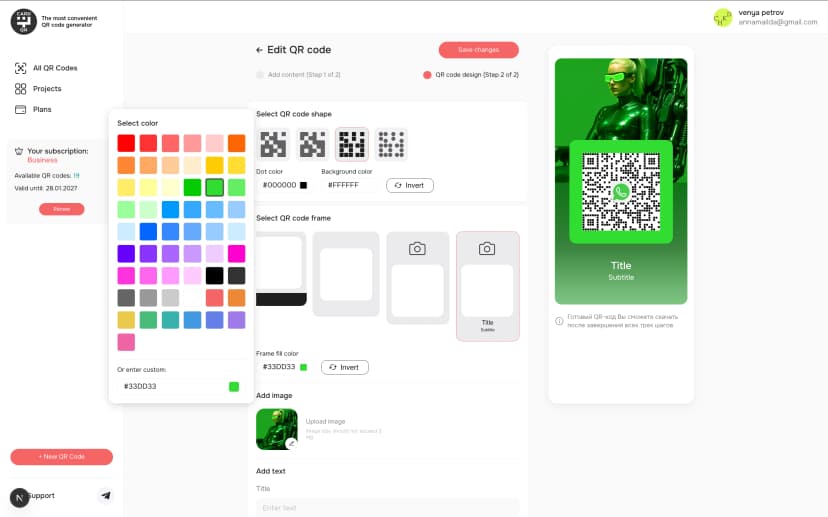
The platform generates QR codes for published pages and binds them to stable public routes. Use cases: personal profiles; campaign landings; event and promotion pages; product information; service menus; contact and booking pages; internal reference pages. The one product principle underneath it all: the QR code never changes — the page behind it does.
03 · User dashboard
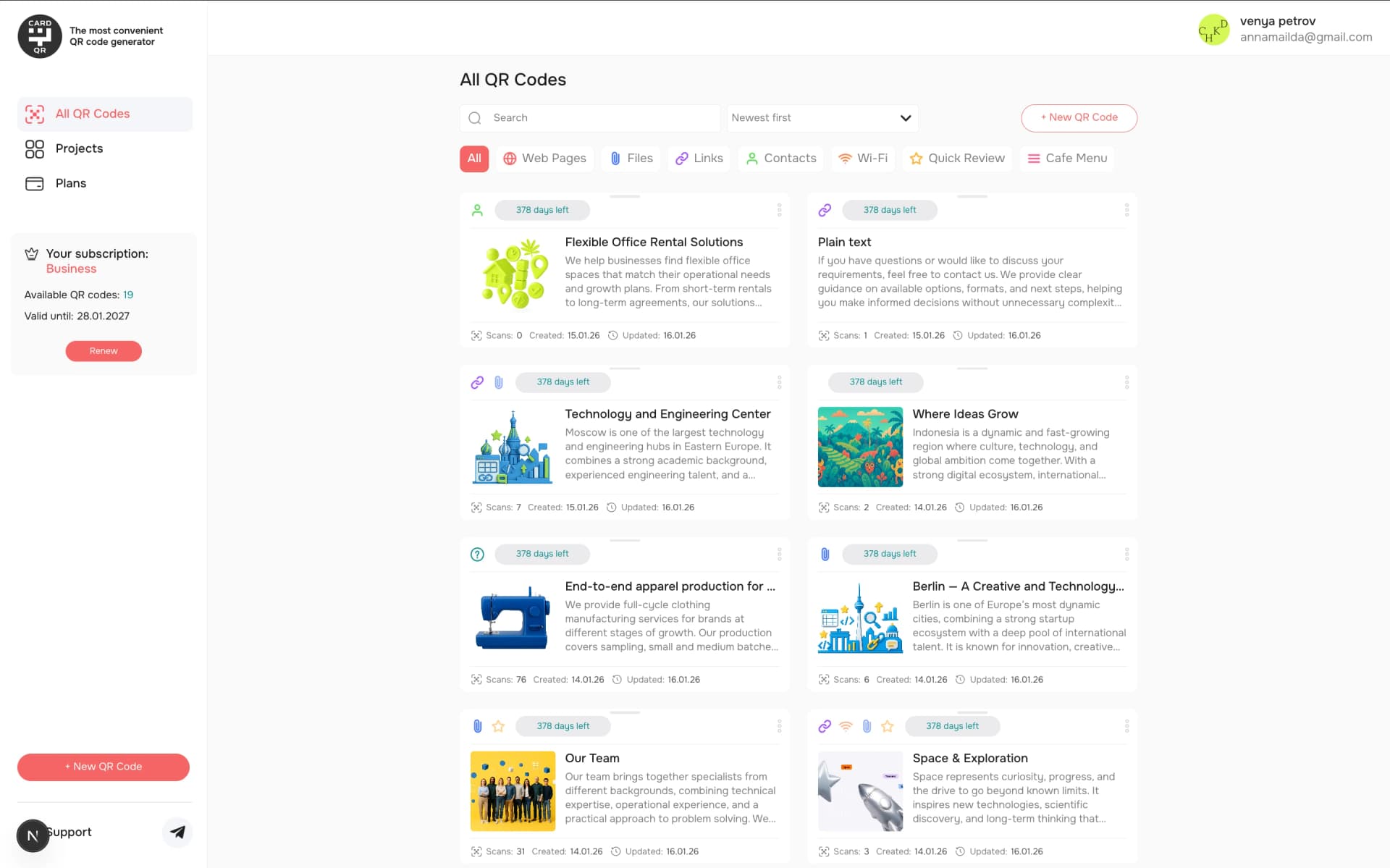
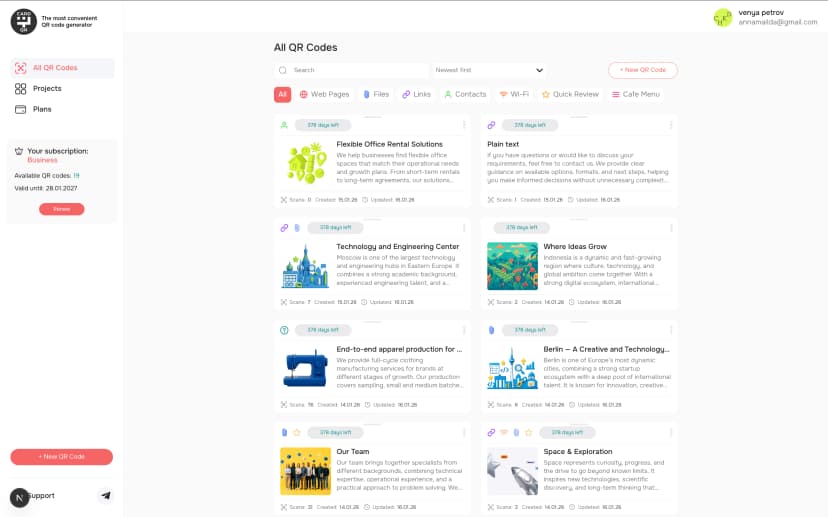
A structured workspace for projects, pages, QR codes and account settings: create and organize projects; edit and publish pages; manage QR-linked public URLs; track subscription status and feature limits; update account details — all without developer support.
04 · Subscription and feature limits
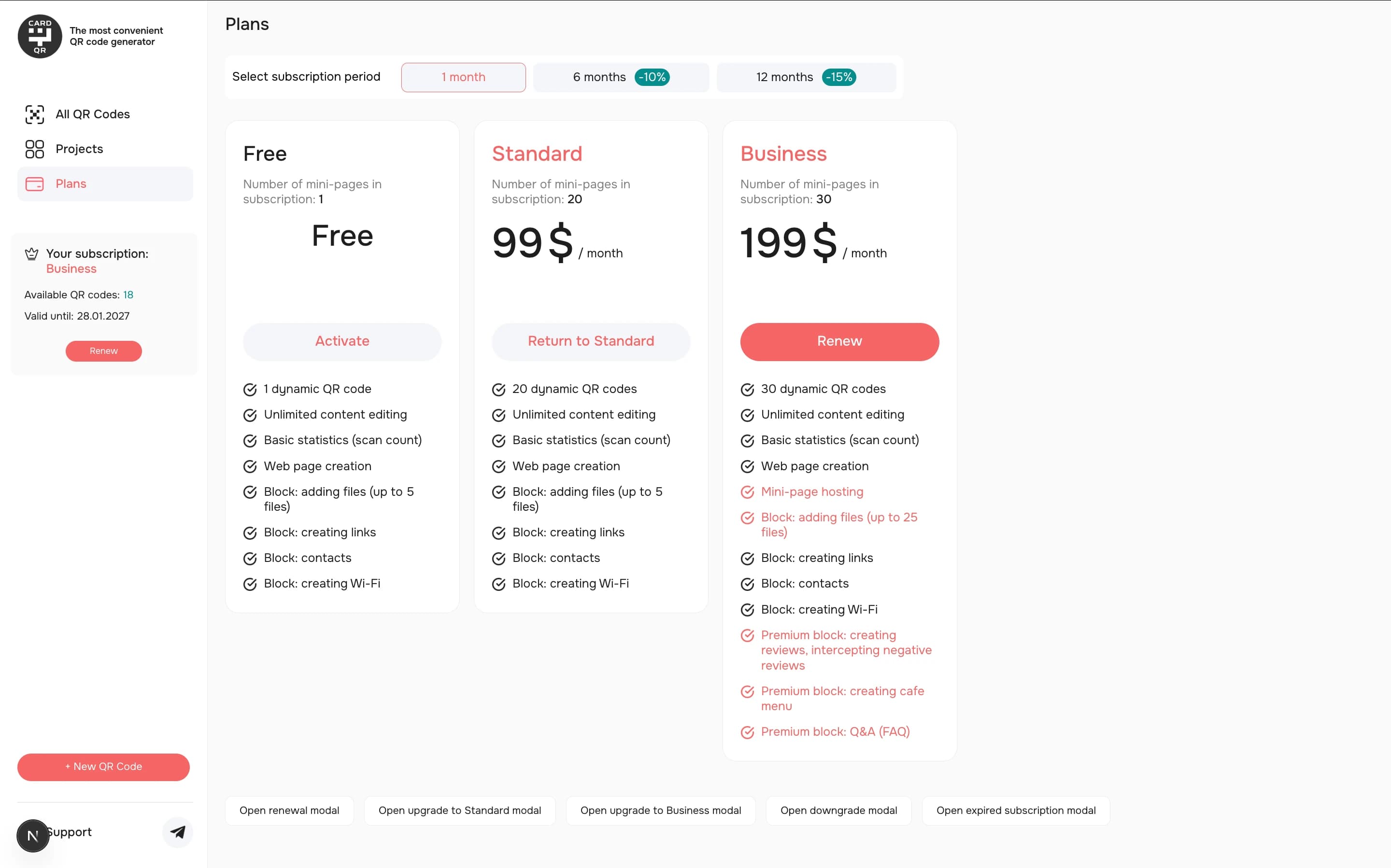
Plan-based access logic built for SaaS monetization: subscription state, per-plan page limits, feature availability, upgrade and downgrade states — with identical access checks in dashboard actions and backend rules. Feature gating never becomes a front-end-only patch; paid limits stay enforceable at the product level.
Architecture
This is a SaaS product, not a static page generator — and the architecture reflects it. Dashboard layer: the authenticated workspace for project management, page editing, QR generation, subscription state and settings. Backend layer: the product rules — authentication, ownership, page identity, publishing status, plan limits, public-page resolution. Public rendering layer: stable routes that keep distributed QR codes working while content changes. Integration layer: one shared API tying account, subscription and page workflows together with consistent validation, sessions and error states. 05 · Backend API and data model The data model mirrors the product's central entities: users and authentication; projects and ownership; pages and public identifiers; content and publishing status; QR references; subscription plans and usage limits; feature-access rules; public-rendering data. That separation is what keeps the platform flexible: public URLs stay frozen while content, plan rules and dashboard capabilities evolve behind them. Public page rendering Published pages serve through stable public routes: resolve the page by its public identifier, load the approved content, render — no visitor sign-in required. Four concerns stay cleanly apart: • editing in the authenticated workspace • backend validation and access control • public page delivery • stable QR-linked references
Frontend stack and application structure
Frontend: Next.js App Router · React · TypeScript · React Query · React Hook Form · Zod · SCSS Modules. Application structure: • app/ — routing and page composition • features/ — domain workflows (auth, subscriptions, projects, QR management) • shared/ — reusable UI and infrastructure utilities
API integration
A central API client handles request configuration, normalised errors, session refresh and consistent network-state handling across dashboard and public surfaces.
Authentication and backend logic
JWT-based authentication guards the dashboard, with controlled session refresh and redirects for logged-out users. The backend is organized around one idea: a QR code never points at a fragile draft — it points at a stable public identifier, behind which the system manages the published version, access rules, ownership and plan limits. Core backend responsibilities: • resolving public pages from stable identifiers • protecting dashboard actions behind authenticated ownership rules • validating page content before publishing • enforcing subscription and feature limits • separating draft state from public rendering • keeping QR references stable as content changes • exposing clean API contracts to dashboard and public surfaces
Data management
React Query for caching, invalidation, shared query keys and predictable loading/error states across the dashboard and editor flows.
UI system
SCSS Modules and design tokens for visual consistency across dashboard, builder and public pages.
Why this matters
This is not just a «web page generator». Every page is a managed SaaS entity: stable public URL, editable content, QR association, ownership rules, plan-based feature access, publishing state, dashboard controls, public rendering logic. The distinction matters because QR-linked pages routinely outlive the product's first version — the architecture has to let the product model evolve without breaking a single printed link.
Relevant for similar projects
- QR-linked products
- dynamic landing-page tools
- digital business-card platforms
- event or campaign page builders
- SaaS dashboards with plan limits
- public/private content management systems
- no-code or low-code publishing workflows
- subscription-based content tools
Result
The product now stands on a structured SaaS foundation for QR-linked dynamic pages: create a page, bind it to a QR code or public URL, keep updating the content over time, manage everything from a personal dashboard — and never break a reference that's already printed, shared or embedded somewhere. For us, the case captures a core architecture principle: public references stay stable, while the product model behind them stays free to evolve.